Configure PDF Templates
Control branded commercial document output and verify it before customer or supplier delivery.
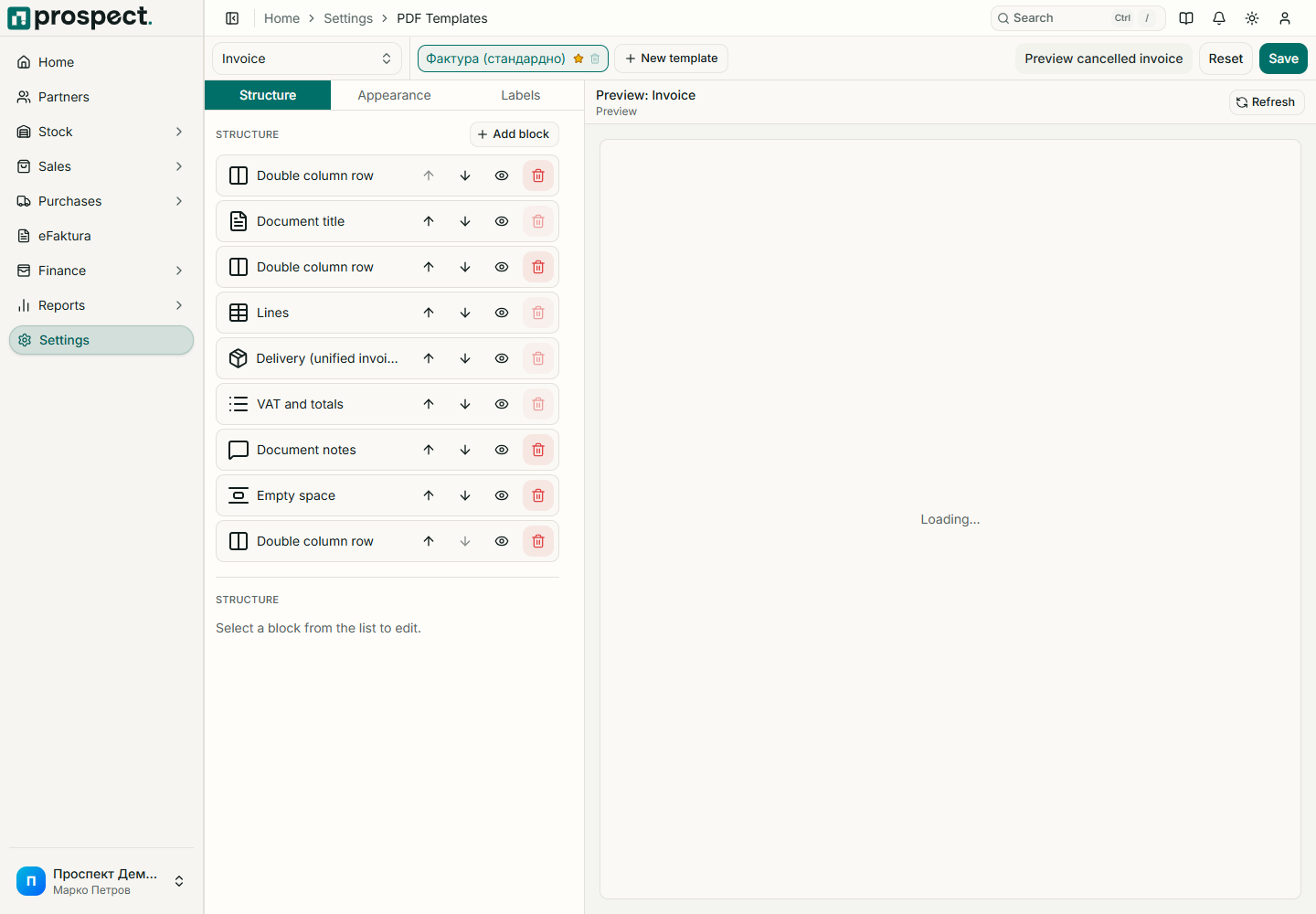
Open Settings → PDF Templates, choose the document type, and configure supported logo, identity, typography, colors, messages, table, totals, payment, and signature sections. Movement documents may use fixed layouts with configurable messages.
Save, then generate a preview with representative long names, addresses, many lines, discounts, VAT rates, notes, and page breaks. Check both Macedonian and English text used by the company.
Template changes affect PDFs generated afterward but do not change the commercial data snapshot. Retain previously delivered PDFs when company policy requires exact evidence of what was sent. Never add passwords, certificate secrets, or internal-only notes to public document templates.