Administration
Company Defaults and Workflow Policies
Configure company-wide defaults, document prerequisites, tolerances, stock rules, and payment behavior.
Only owners and administrators can change these settings. Test policy changes with a Draft before relying on them in daily work.
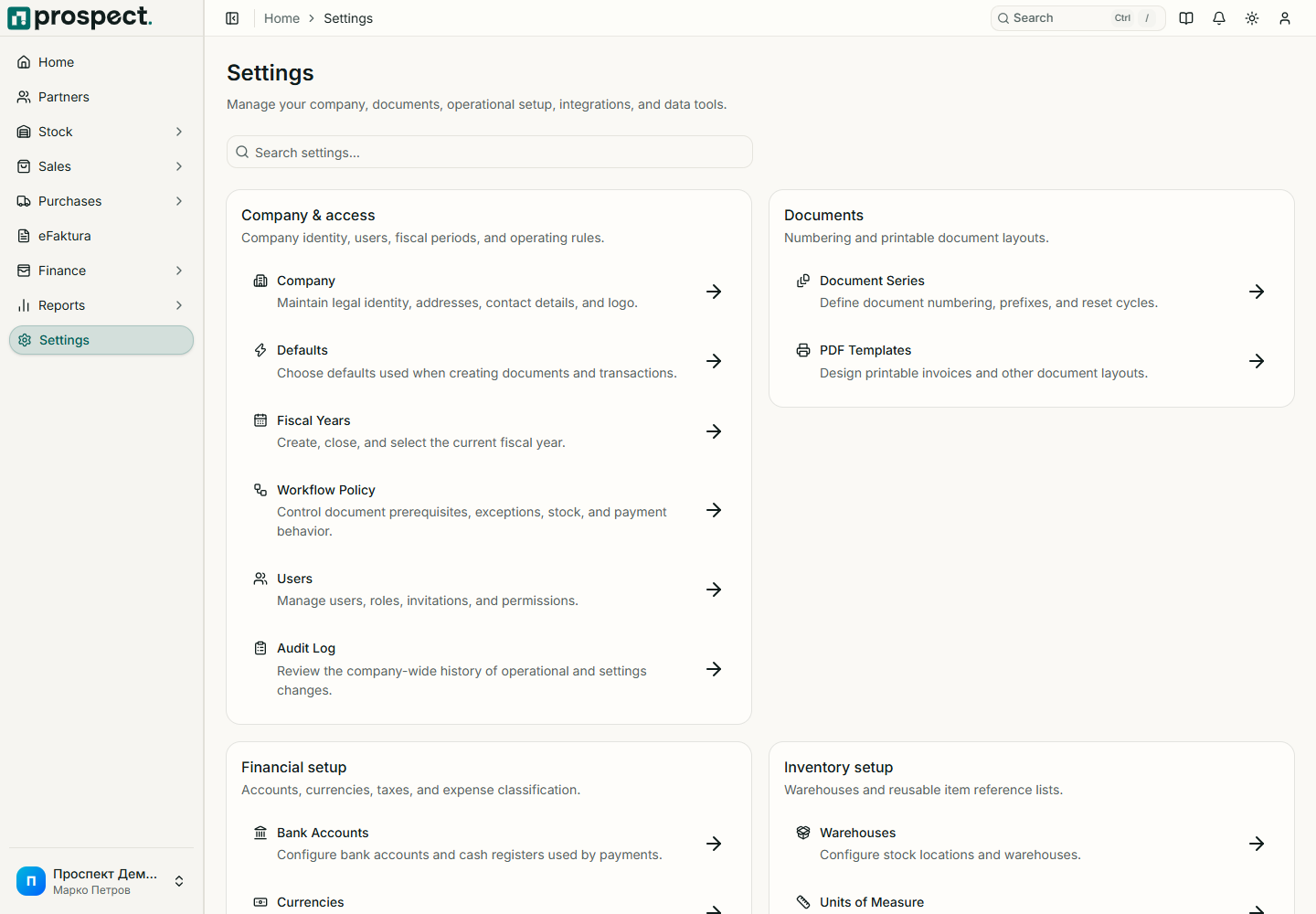
Settings hub
Workflow policies
Configure deliberately
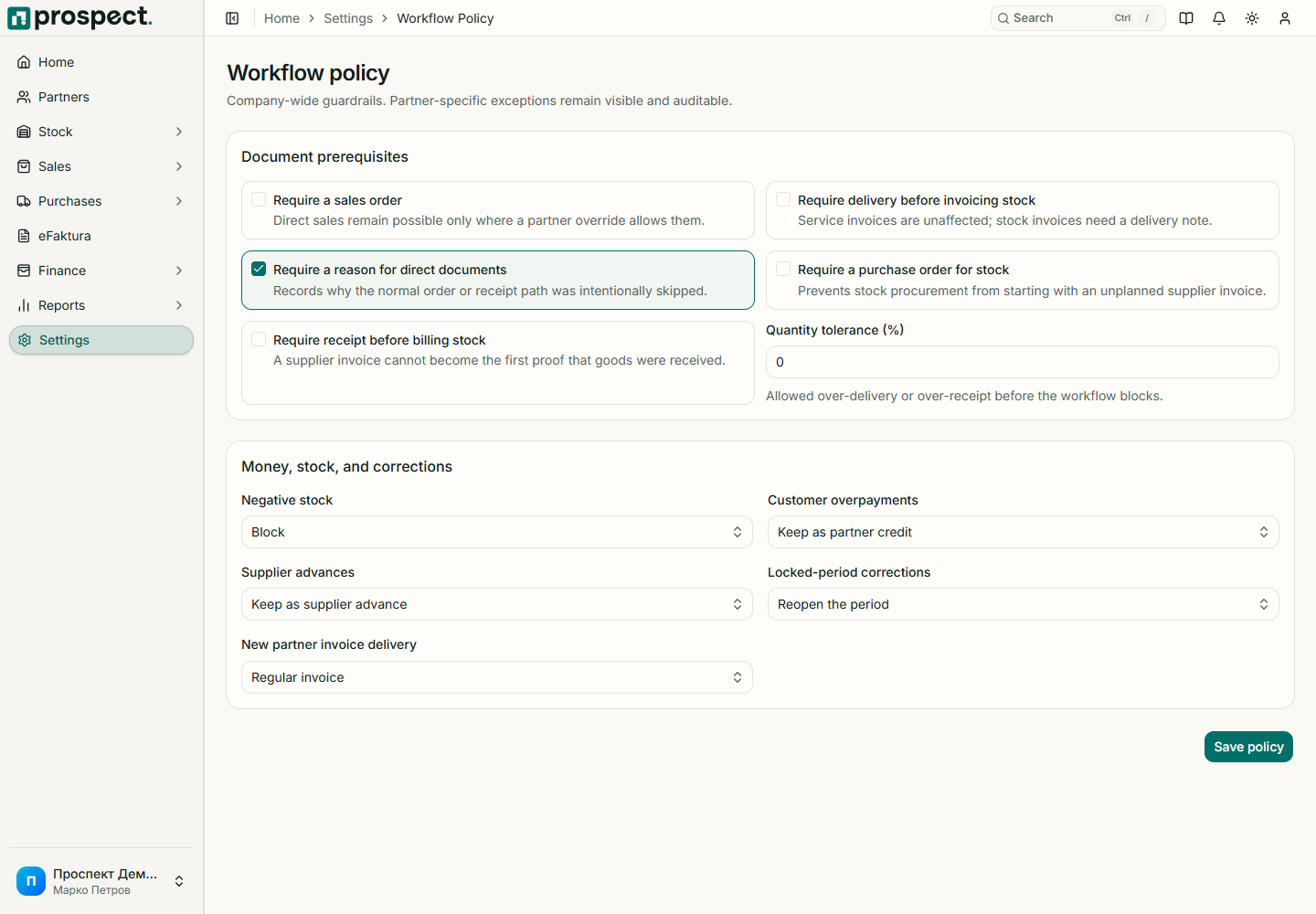
- Defaults: normal warehouse, currency, tax rate, payment terms, document choices, and delivery behavior prefill future entries.
- Sales prerequisites: require an order, delivery for stocked invoices, or a reason for direct transactions.
- Purchase prerequisites: require a purchase order or receipt before stock billing.
- Tolerance and stock: set over-fulfillment tolerance and whether authorized users may override negative stock.
- Payments: decide whether excess customer receipts or supplier advances can remain as credit.
- Periods and eFaktura: define correction and default delivery expectations.
Changes do not rewrite published history. Overrides require their dedicated permission and a reason recorded in activity. Review policies after organizational or compliance changes.