Administration
Financial Master Data
Maintain bank accounts, currencies, tax rates, and expense categories used by operational documents and reports.
Financial master data
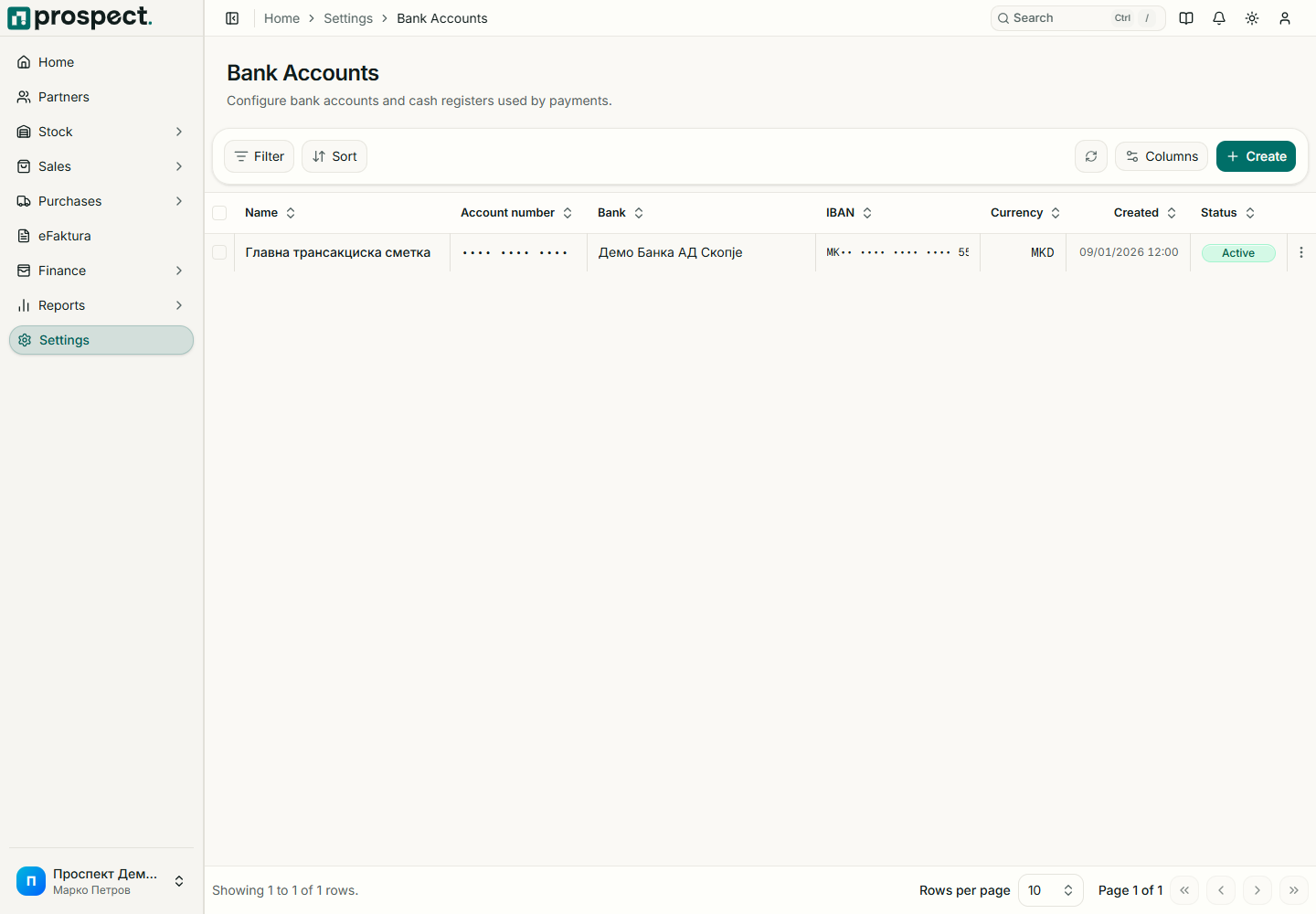
Open the corresponding card under Settings → Financial setup.
Records
- Bank accounts: company account identity used by payments, reconciliation, PDFs, and exports.
- Currencies: code, ISO/eFaktura mapping, symbol placement, and active/default state.
- Tax rates: internal and external code, rate, name, effective behavior, and active state.
- Expense categories: classification used by supplier expenses and expense reports.
Use unique, recognizable codes and select only one appropriate default. Test new values in a Draft before publication. Do not delete a value already referenced by documents; deactivate it so history continues to resolve.
Currency support records document amounts but does not imply a full foreign-exchange accounting engine. Tax-rate availability does not determine legal deductibility. Coordinate new currencies, tax codes, bank accounts, and expense classifications with the external accountant and update eFaktura mappings where required.