Review the Activity Log
Trace who changed operational records, when actions occurred, and why an override was used.
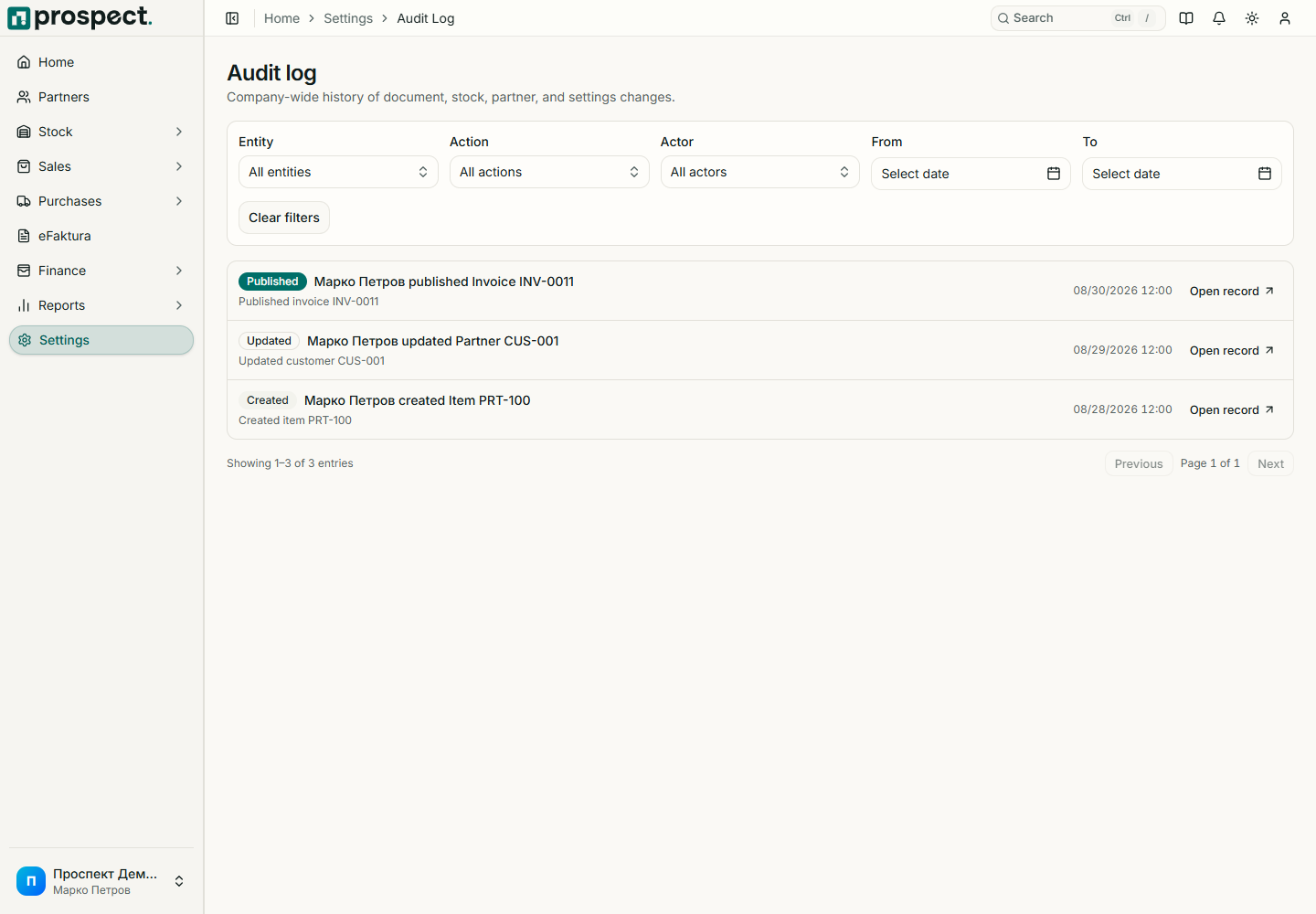
Open Settings → Activity. Owners and administrators can filter by date, actor, action, entity type, code, and other available context, then follow a source record.
The log records important create, update, publish, cancel, reverse, policy-override, import, export, eFaktura, and related actions. Entries may include structured before/after values and metadata. The partner and document timelines present a narrower view of the same operational history.
Use activity to investigate—not to edit history. Compare the entry with the current source, downstream documents, stock movements, open items, and user permissions. A policy override should include the recorded business reason and matching permission.
Activity is not a replacement for database backups, security logs, external bank evidence, signed files, delivered PDFs, or statutory archives. Export or retain required evidence through the company's approved process.