Prospect ERP Documentation
The complete guide to sales, purchasing, inventory, finance, reporting, administration, and eFaktura in Prospect.
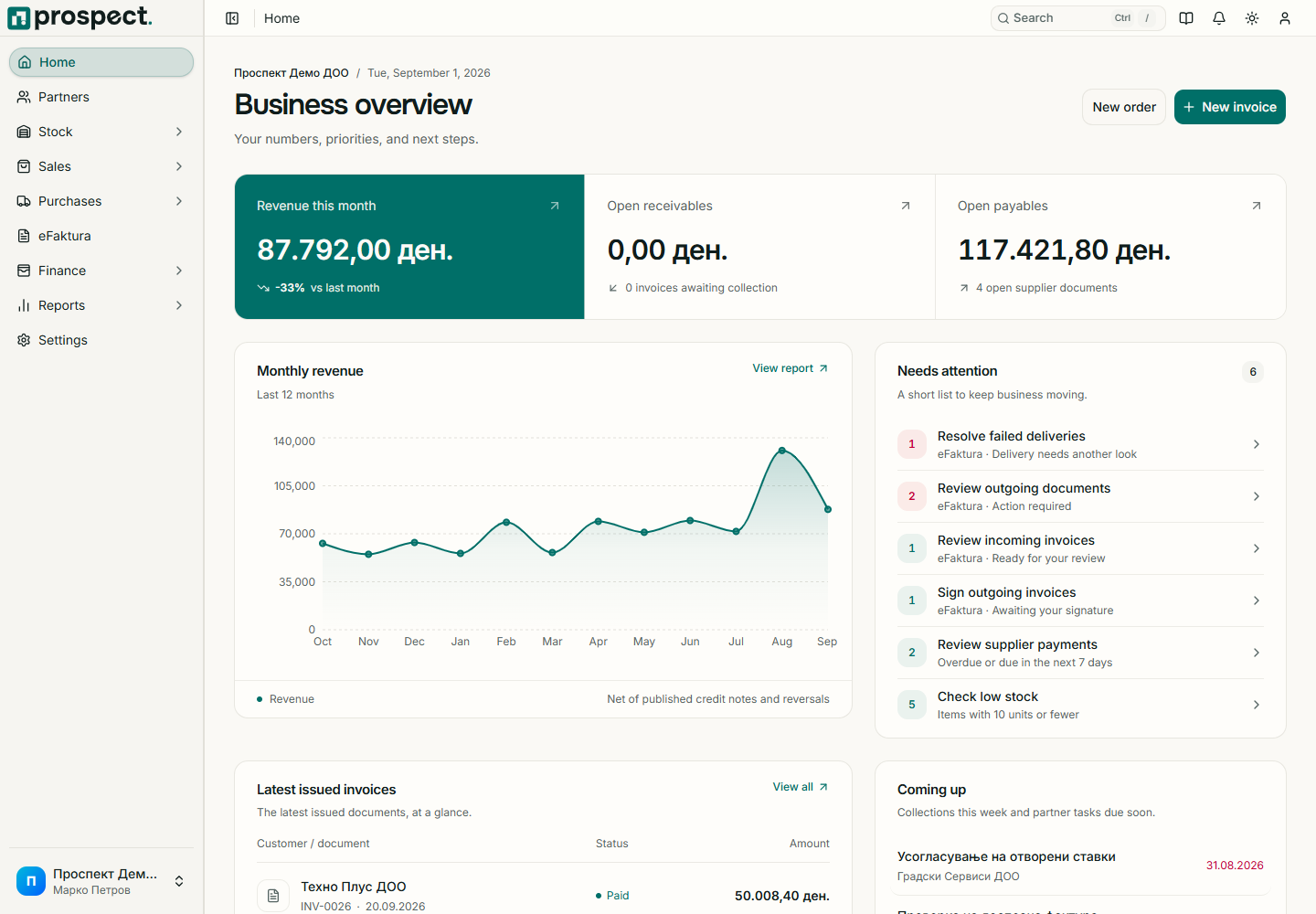
Prospect connects commercial documents, stock, partner balances, payments, reports, and North Macedonia's eFaktura workflow in one company workspace. Use these guides for initial setup, daily work, and administration.
Start in 30 minutes
Configure the company and complete the first transaction.
Invoice to cash
Follow a sale from quote to payment and correction.
Purchase to pay
Order, receive, cost, record, and pay for purchases.
Inventory control
Understand availability, transfers, counts, returns, and valuation.
eFaktura
Configure and operate the Macedonian electronic-invoice connection.
Administration
Manage company-wide controls, master data, and auditability.
How to use this manual
- New owner or administrator: begin with First 30 minutes.
- Operational user: choose your module in the sidebar; each task states its required permission and result.
- Accountant: start with Open items, VAT and statements, and Accounting handoff.
- When something is blocked: use Troubleshooting before changing or cancelling related documents.
Scope
These pages describe the current hosted Prospect product for the Macedonian market. Prospect keeps an operational finance subledger and exports balanced data to an external accounting system; it is not a general ledger.