Fiscal Years and Locked Periods
Define operating periods and prevent ordinary posting into closed years.
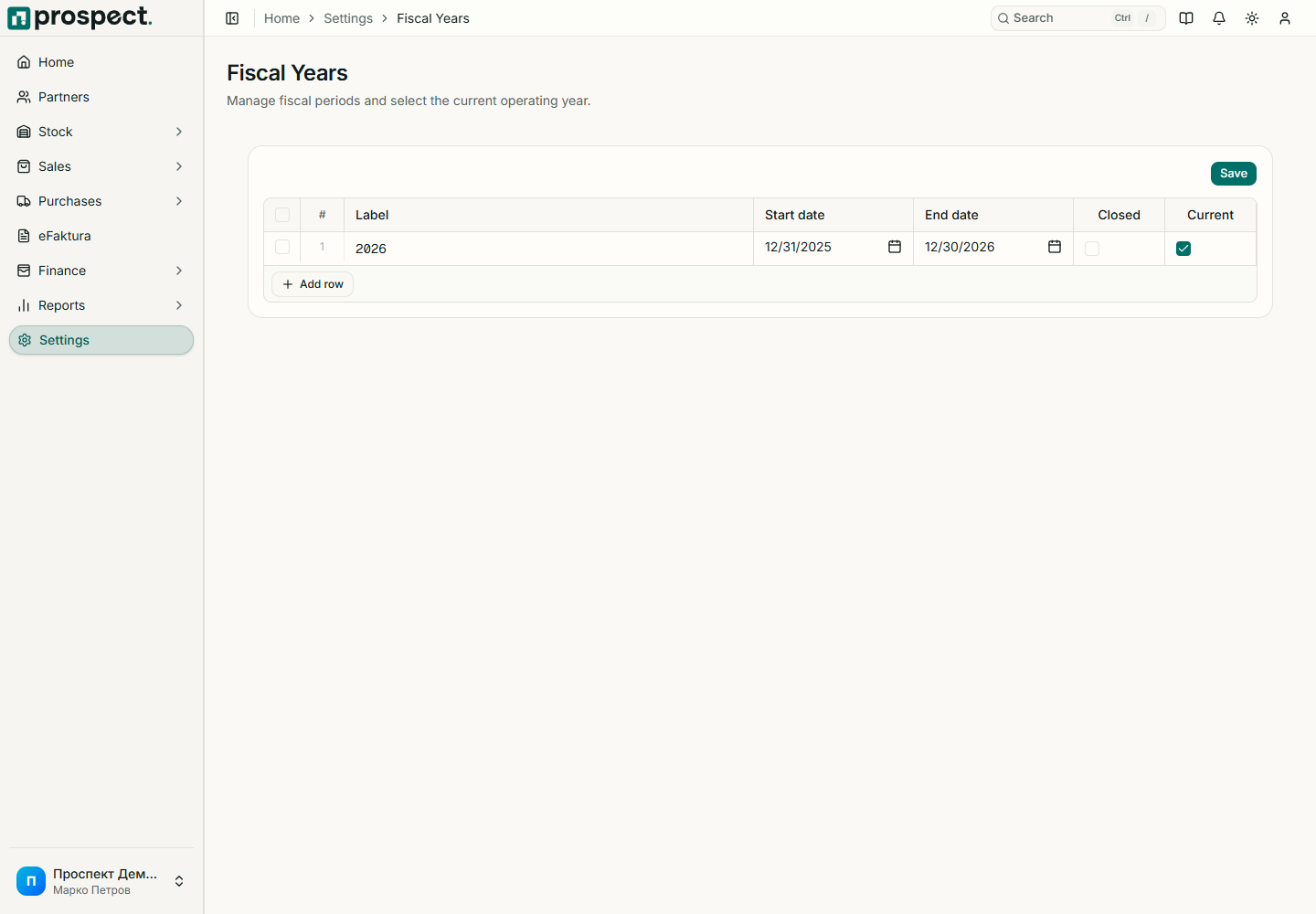
Create non-overlapping fiscal years that cover the document dates your company will use. Mark the appropriate year current and configure document series within it.
Before locking, resolve drafts, failed eFaktura records, unmatched bank lines, unfinished costings, missing payments, returns, and reporting differences. Generate and retain required reports and accounting bundles.
A locked year blocks normal document, stock, finance, and costing effects dated inside it. Depending on policy, correction requires reopening the period or an explicitly permitted override with a reason. Prefer a current-period correcting document when accounting policy requires it; confirm the method with the accountant.
Never change dates solely to evade a lock. See Document series and Accounting handoff.