Supplier Statements
Review supplier invoices, credits, payments, and running payable balance over a period.
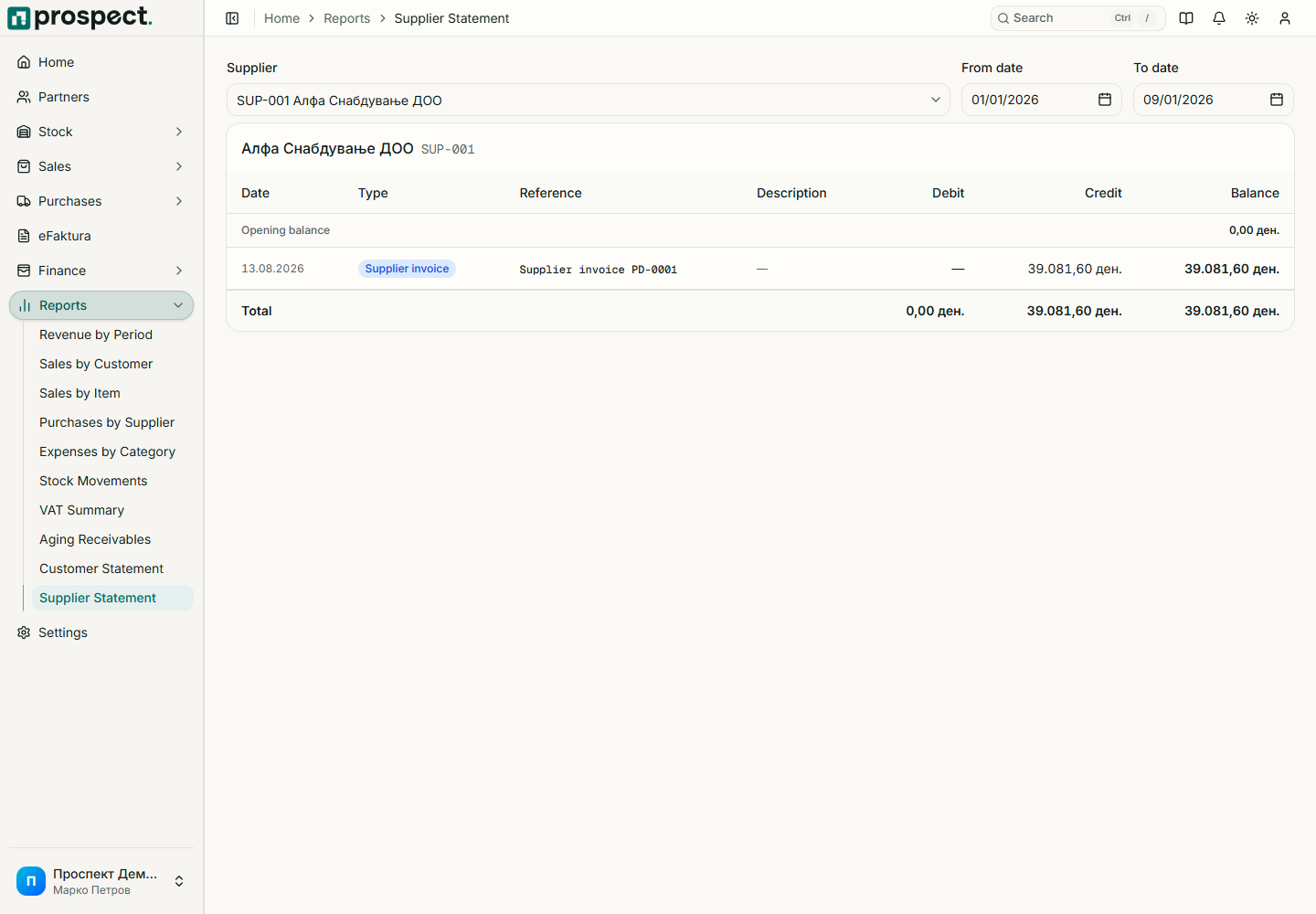
Open Reports → Supplier Statement, select a supplier, and enter the inclusive date range. Review each source document, debit/credit effect, and running balance. Export CSV for reconciliation with the supplier or external accountant.
If the balance differs from a supplier statement, compare document references and dates, then check unallocated payments, credits, reversals, currency, and transactions outside the selected period. Correct the source or allocation that is wrong; do not create an unexplained offset.
The report is based on Prospect's operational payables. Your external accounting system remains the statutory ledger and may include journal entries or adjustments outside Prospect.
See Supplier documents, Payments, and Accounting handoff.