Customer Statements
Produce a dated customer statement with source documents, settlements, and running balance.
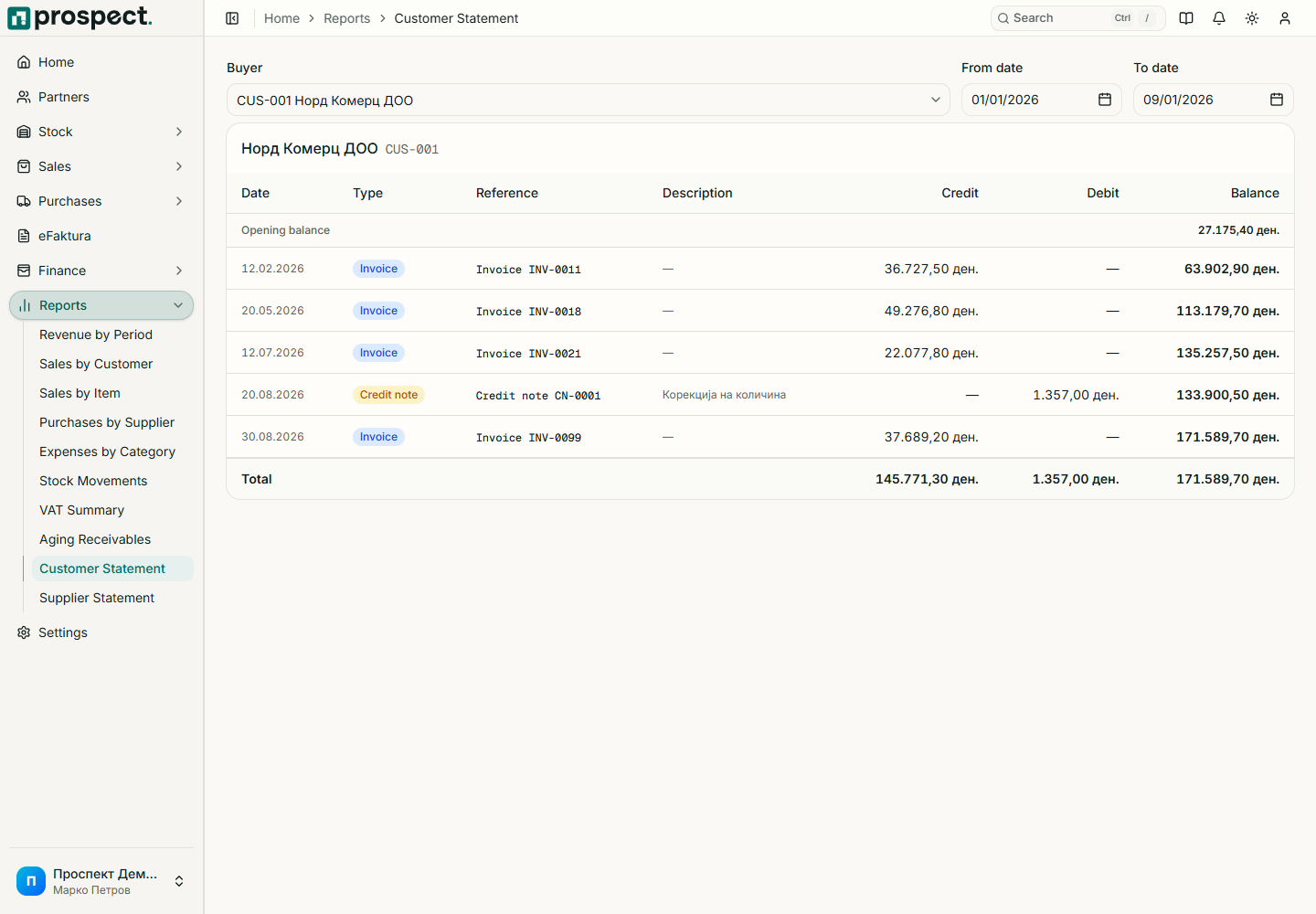
Open Reports → Customer Statement, select one customer, and choose an inclusive date range. The statement combines relevant published invoices, credits, confirmed payments, and allocations into chronological debit, credit, and running-balance rows.
Before sharing, confirm the customer, opening context, date range, currency, source codes, and ending balance. Follow a source code to investigate differences. Export CSV when the recipient or accountant needs machine-readable rows.
The statement reflects Prospect's operational subledger, not an external general-ledger account. Backdated documents, reversed payments, credits, or changed allocations can change a newly generated statement, so retain the delivered export according to company policy.
See Open items and Receivables and VAT.