Finance
Import Bank Statements
Import bank lines, prevent duplicates, and prepare them for reconciliation.
Bank statements
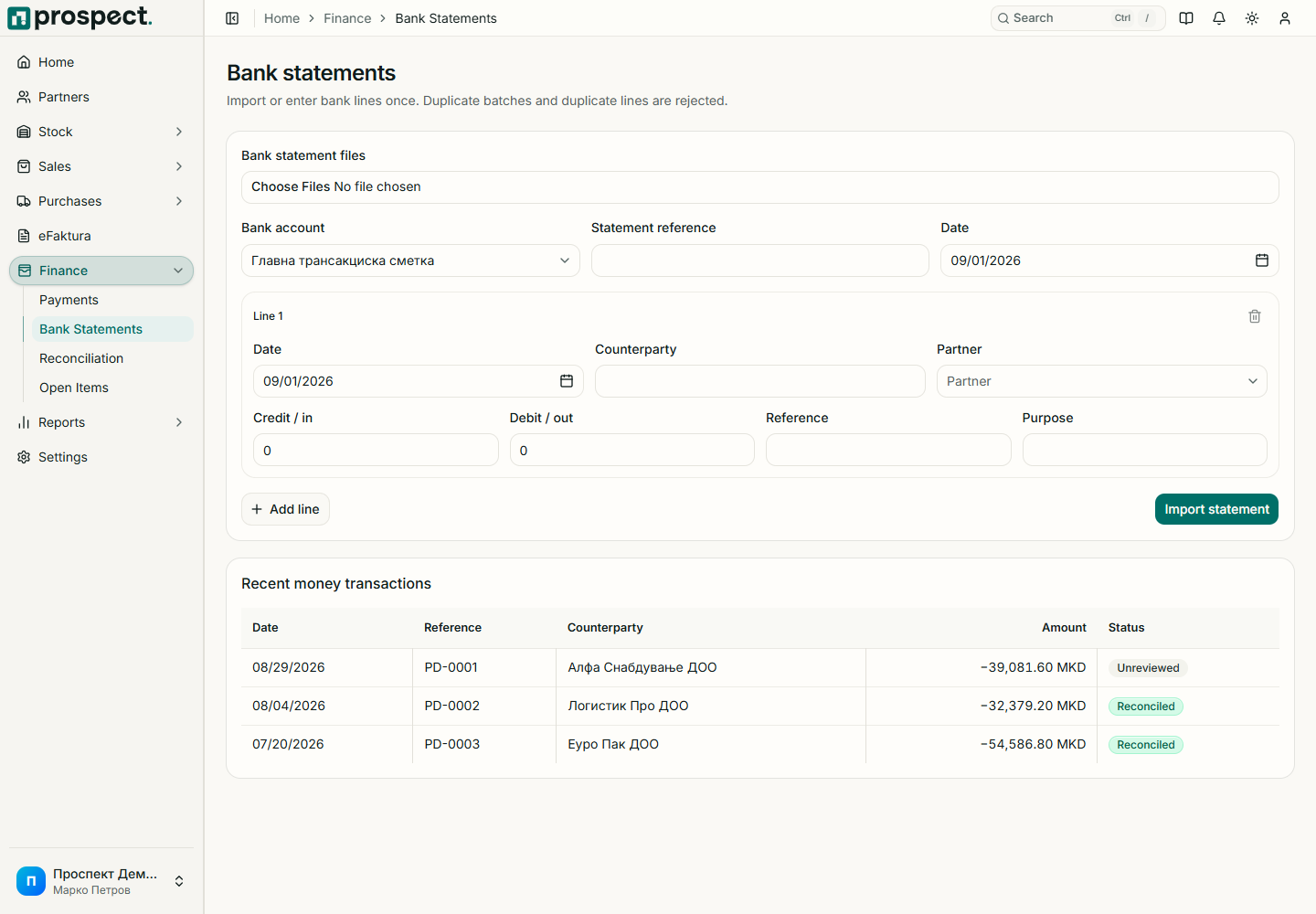
Open Finance → Bank Statements and choose the destination bank account.
Select the supported bank CSV file and review the detected period and columns.
Resolve validation errors such as missing date, amount, reference, or unsupported formatting.
Import once, then open Reconciliation to match the lines.
Keep the original bank file outside Prospect according to company policy. Reimporting the same transactions should not be used to repair matching mistakes; reverse the reconciliation instead. Always review bank-specific CSV output in a test company before relying on a new bank format.
Do not include online-banking passwords, card numbers, or authentication codes in uploaded files or support requests.