Sales Orders and Stock Reservations
Confirm customer demand, reserve available stock, and track delivery and billing progress.
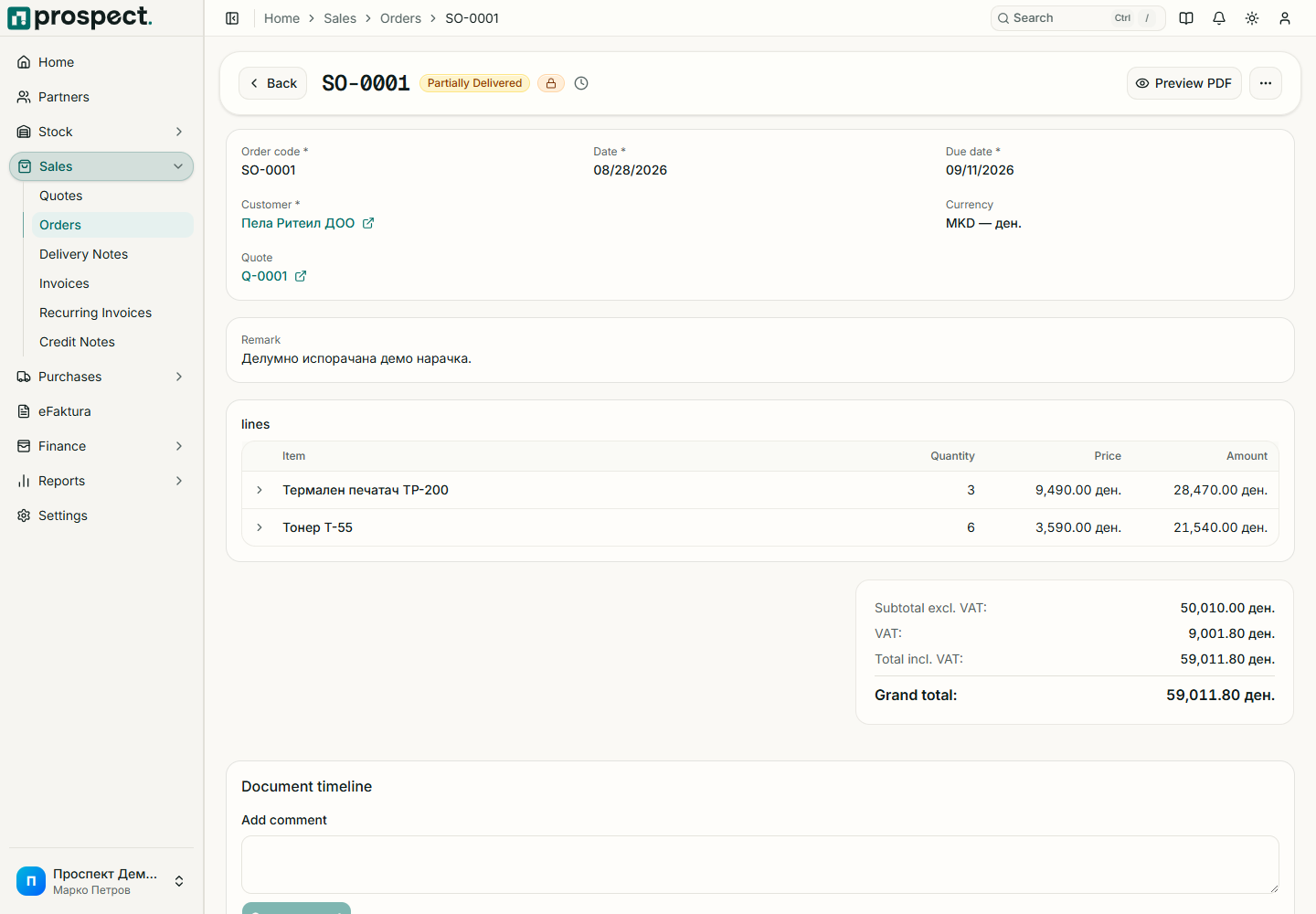
Confirm customer, requested dates, warehouse, currency, tax, prices, quantities, and tolerances.
Publish. If automatic reservation is enabled, Prospect reserves available product quantities.
Create delivery notes or invoices from the order and use only the remaining permitted quantities.
Close the order when no further fulfillment is expected, or cancel it only when dependencies allow.
Reserved quantity reduces available stock but not physical on-hand stock. Delivery consumes the reservation and posts the stock issue. If requested quantity exceeds availability or fulfillment tolerance, reduce it, replenish stock, or use an authorized override with a recorded reason.