Create and Publish a Sales Invoice
Create a direct or source-linked invoice, validate it, and understand its financial effects.
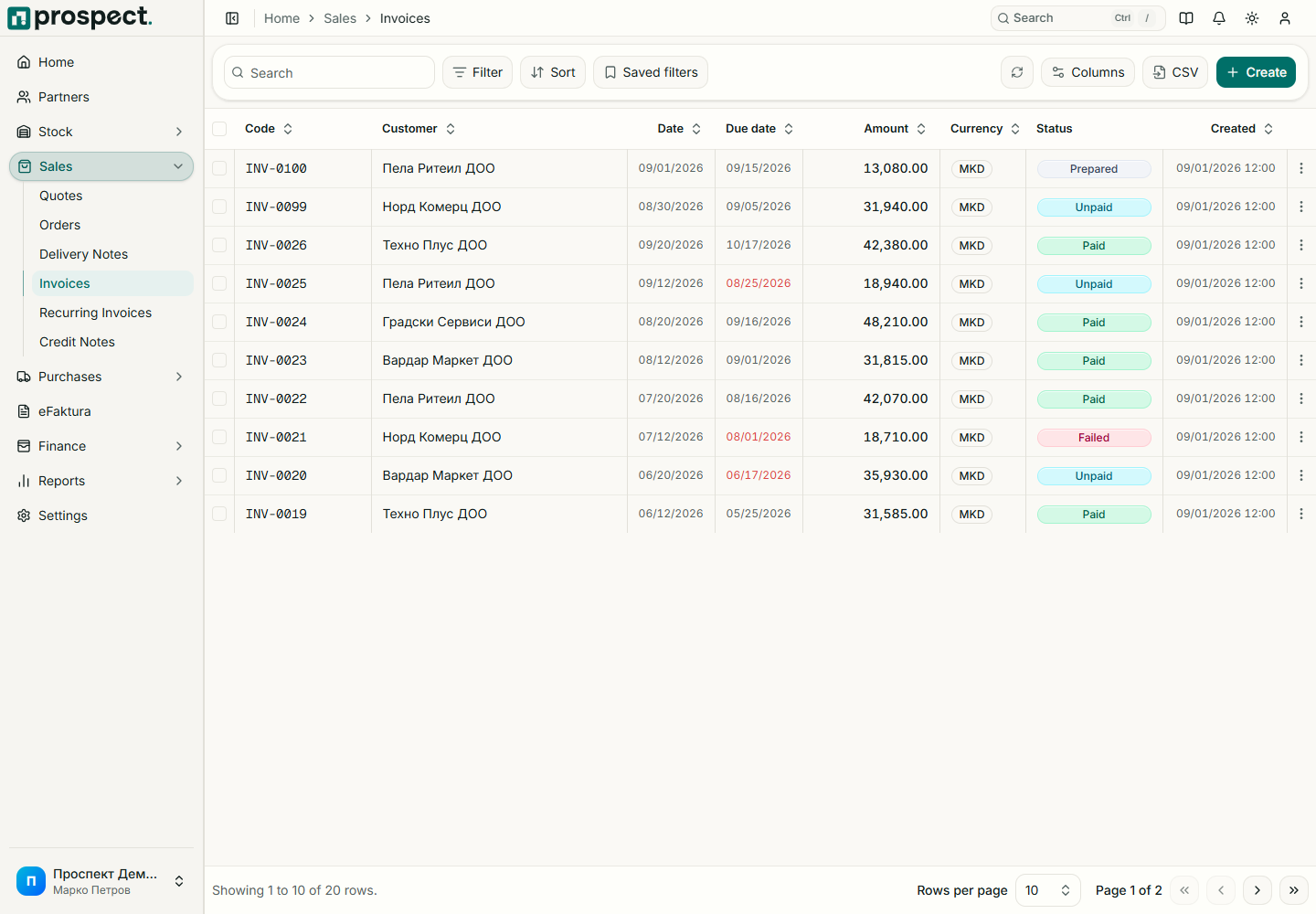
Choose Sales → Invoices → New Invoice, or create it from an order or delivery note.
Select customer, invoice type, dates, payment terms, currency, document series, and source records.
Add or confirm each item/service, warehouse where required, quantity, unit price, discount, and VAT rate.
Save the Draft and check net, VAT, discount, gross amount, customer identity, and PDF.
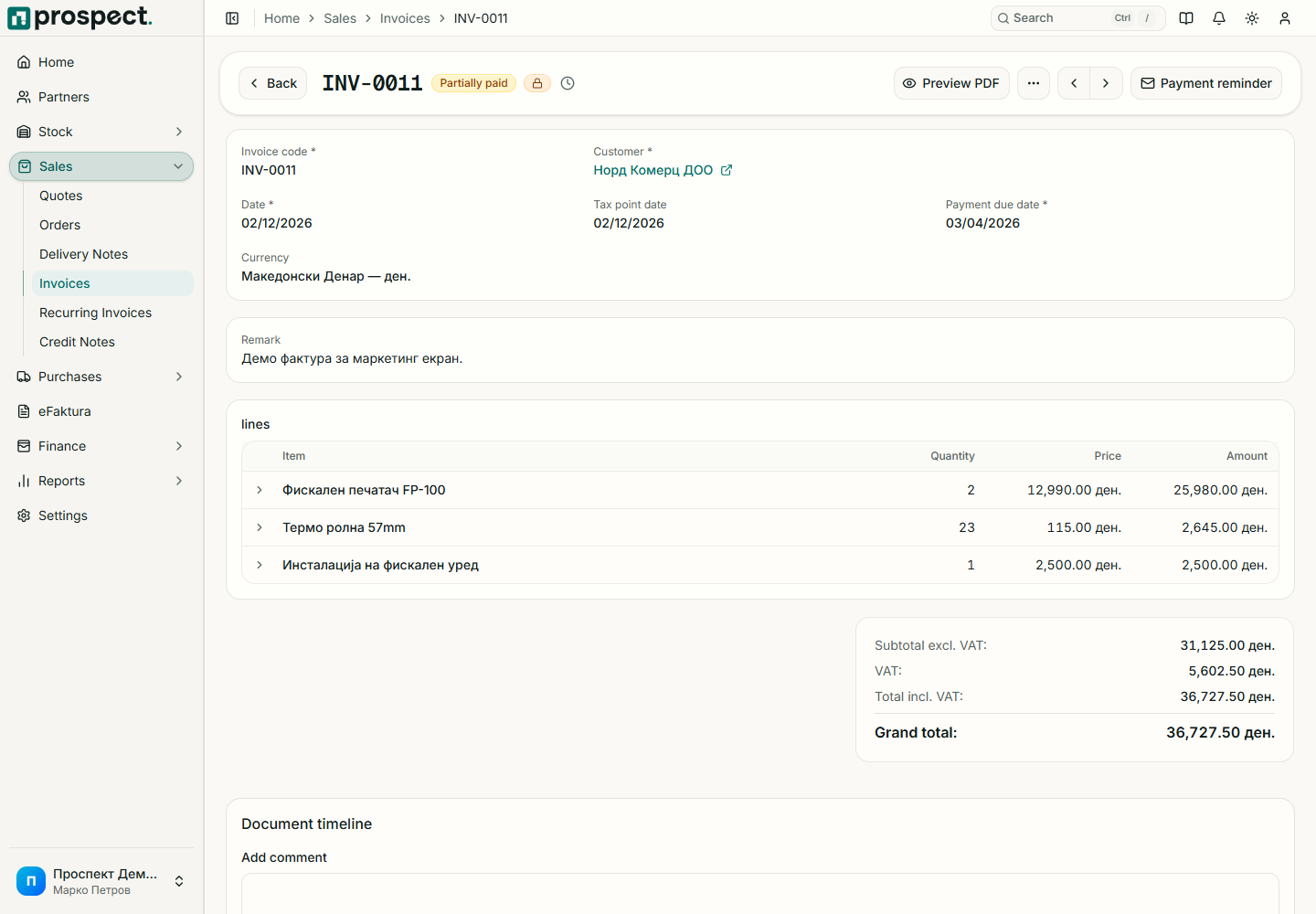
A standard published invoice creates a receivable open item. Its state becomes Partially Paid or Paid as confirmed payments are allocated. Advance and final-invoice behavior depends on invoice type. Credit limits, delivery prerequisites, remaining quantities, locked periods, or missing numbering can block publication.
Next: Send the invoice and Record payment.