Sales
Create and Manage Quotes
Prepare a customer offer, publish it, record the outcome, and continue to a sales order.
New quote
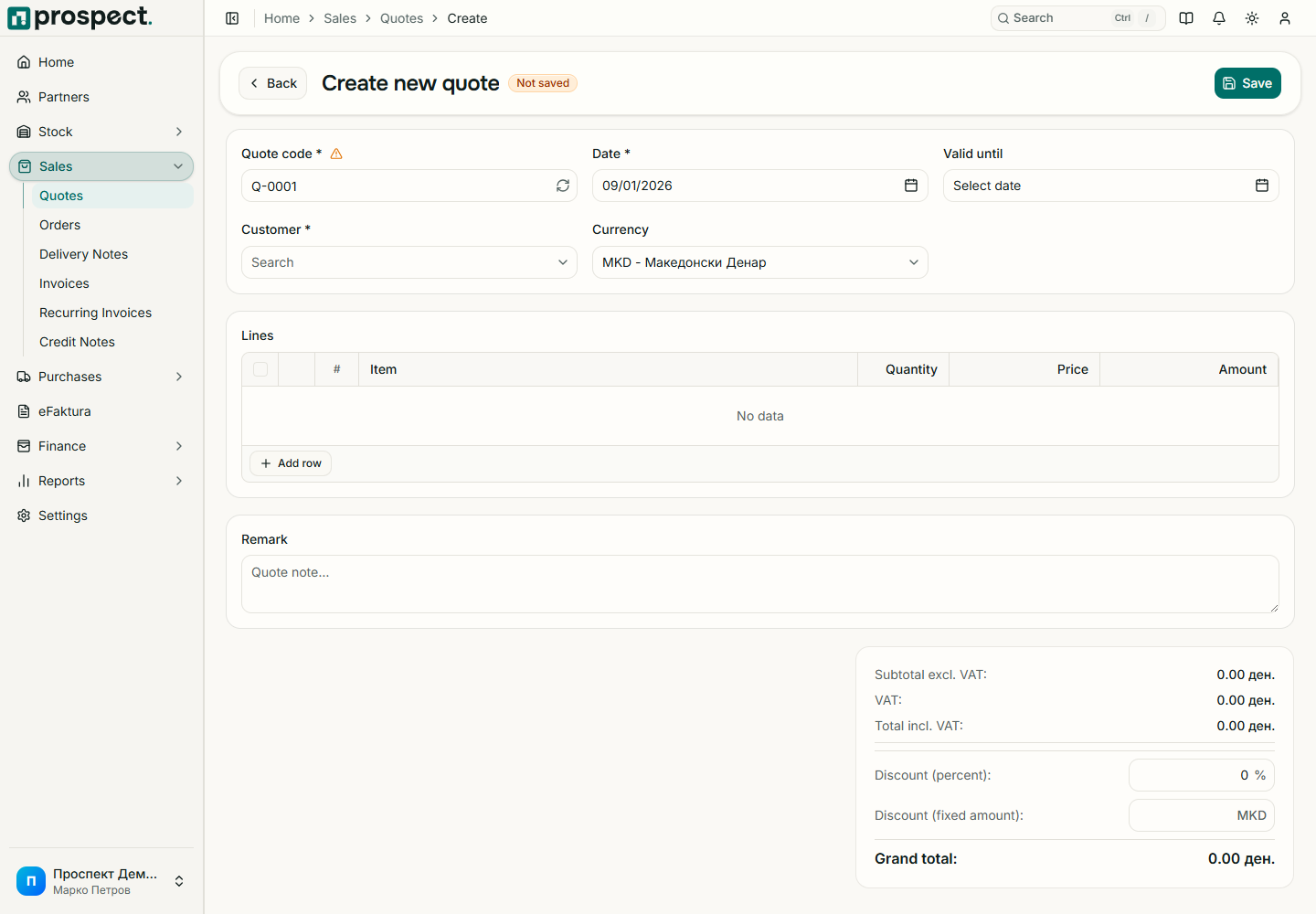
Open Sales → Quotes → New Quote and select the customer.
Choose the issue and validity dates, currency, series, and commercial notes.
Add products or services with quantity, unit price, tax, and discount.
Save as Draft, check totals and PDF output, then publish with the required permission.
Record whether the published quote is accepted, rejected, or expired. Convert an accepted offer into a sales order.
A quote does not post stock or a receivable. Content can be edited while Draft. Published content remains part of the audit trail; use the supported status transition instead of rewriting the offer. If numbering fails, verify an active Quote series for the date's fiscal year.