Purchases
Receive Goods
Post physical supplier receipts to the correct warehouse and preserve purchase-order quantities.
Goods-received note
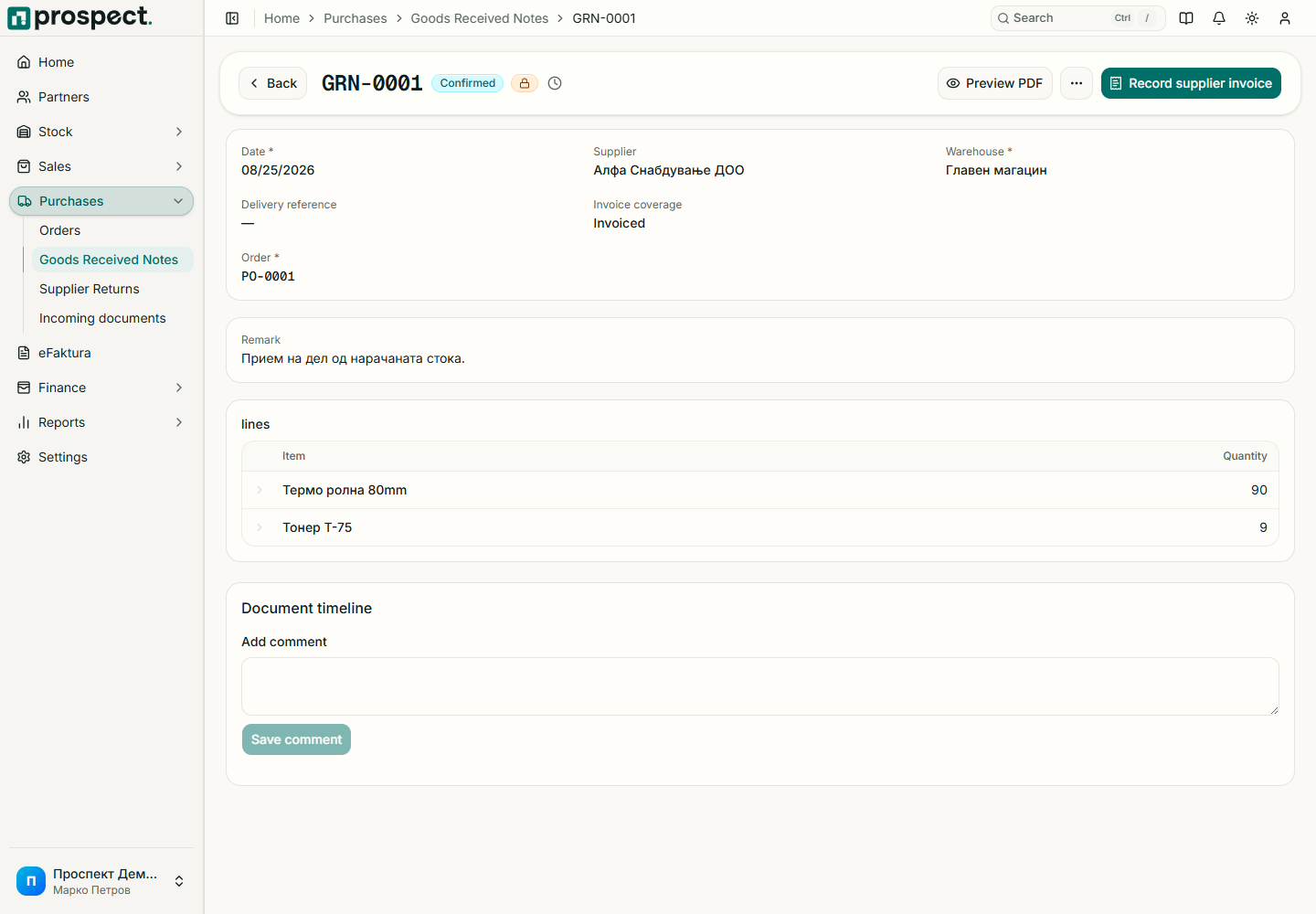
From the purchase order choose Receive goods, or create a direct goods-received note.
Confirm supplier, receipt date, warehouse, delivery reference, and actually received quantities.
Remove or reduce lines not physically received; do not post the supplier's ordered quantity by default.
Publish to create stock movements and update source progress.
Only product lines move stock. A published receipt can feed a supplier invoice and landed-cost calculation. If stock must be sent back, create a supplier return from the relevant source. If a posted receipt is wrong, use cancellation only when no dependent billing, costing, return, or locked period prevents it.