Getting Started
Set Up Your Company
Configure the legal identity and operational defaults used by documents, taxes, PDFs, and eFaktura.
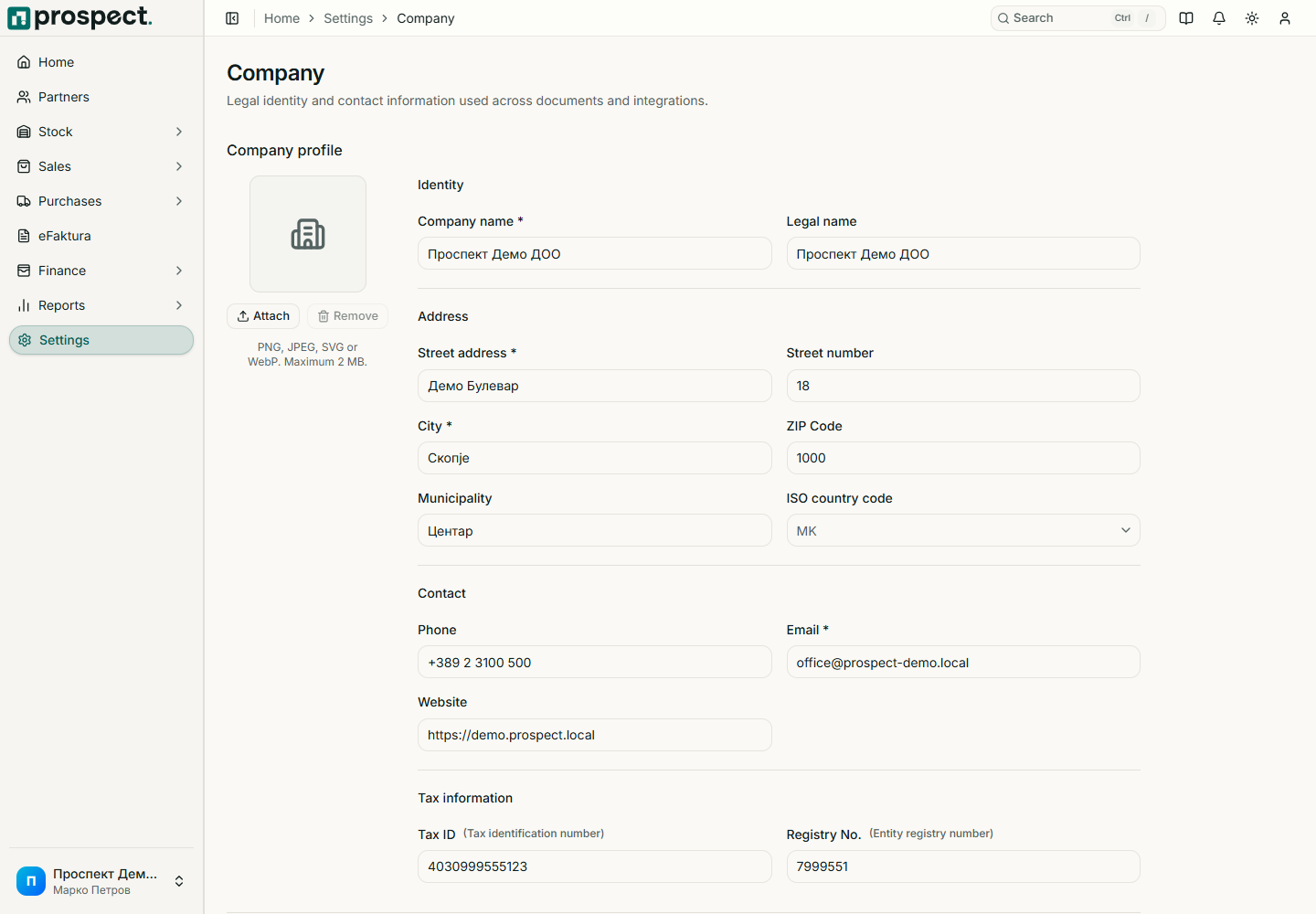
Only owners and administrators can change company settings. Open Settings → Company and complete the legal profile before publishing documents.
Company settings
Required review
- Legal and display name, street, number, municipality, city, postal code, and country
- EDB and, when applicable, EMBS
- Contact email, phone, website, and company logo
- Default currency and locale profile
- Invoice delivery mode and stock-reservation behavior
Save the profile, then configure Defaults for the usual warehouse, tax rate, currency, and document settings. Changing a default affects future entries; published documents retain their recorded values.
For eFaktura, the legal name and EDB must identify the same registered entity. Use the guided readiness screen under Settings → eFaktura before enabling live operations.
Next: Document numbering and Company defaults and workflows.