Configure the eFaktura Connection
Complete company identity, reference data, environment, credentials, signers, mappings, and diagnostics.
Only owners and administrators can configure eFaktura. Open Settings → eFaktura and complete each readiness section.
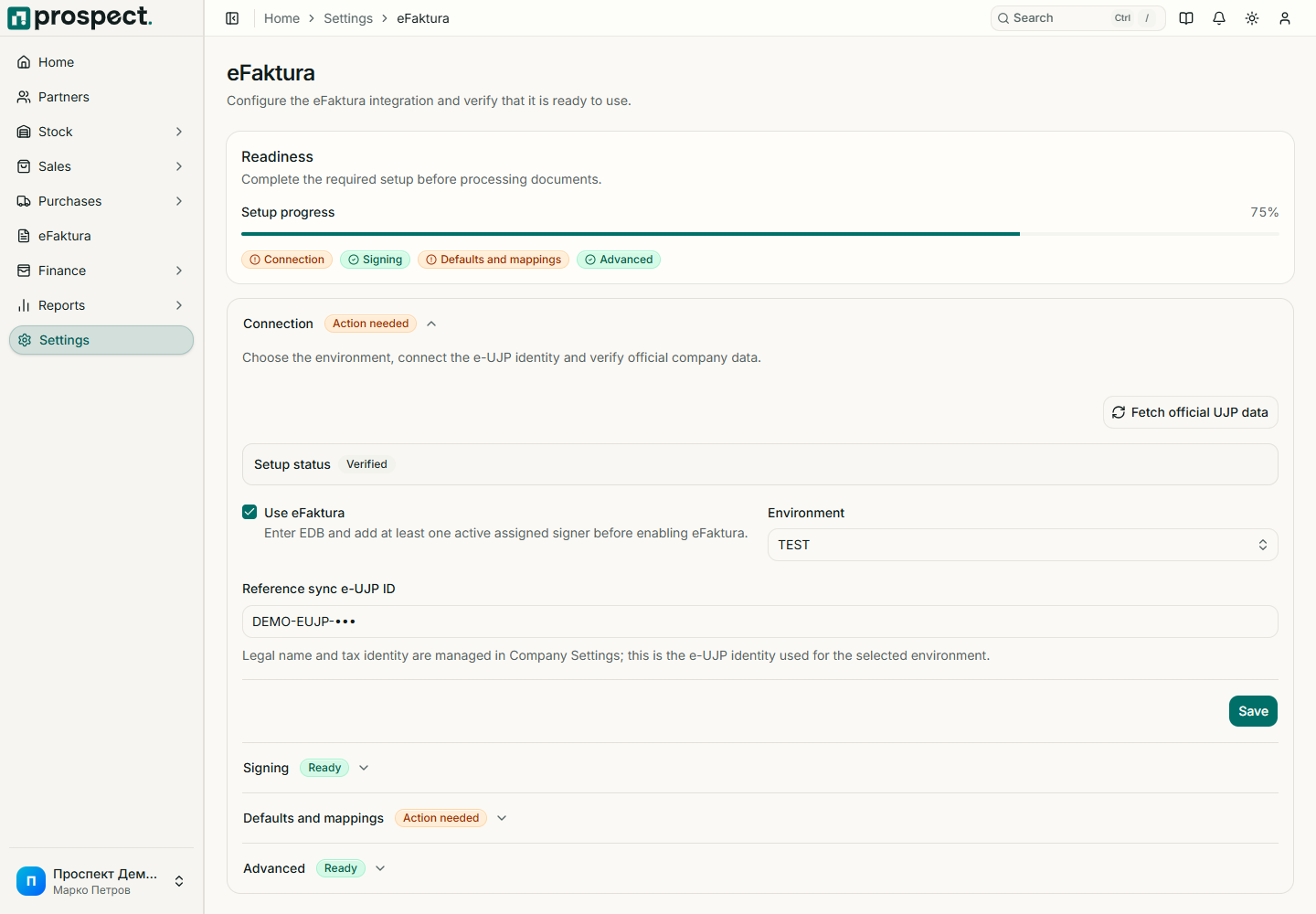
Confirm that company legal name and EDB match the registered UJP entity.
Select Test or Live deliberately and configure the corresponding UJP identity and connection values.
Refresh the registry and reference catalog, then choose required defaults such as payment type.
Pair authorized signer members and complete partner, item, VAT, currency, unit, and other mappings.
Run diagnostics. Resolve every blocking issue before enabling eFaktura.
Environment records, statuses, and credentials are not interchangeable. Test first with non-production data. Never place certificate files, PINs, tokens, or private keys in notes, screenshots, browser storage, or support messages.